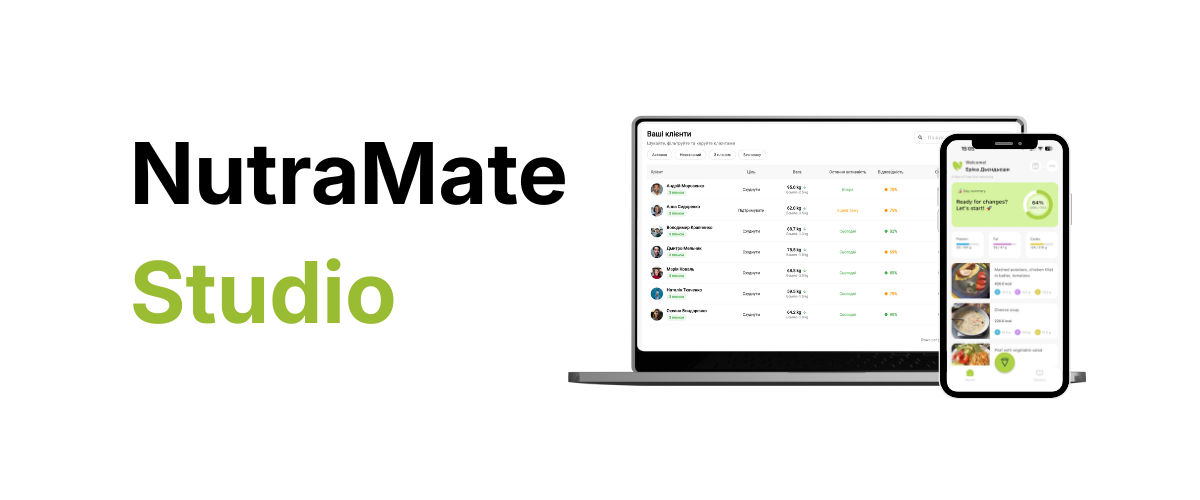
NutraMate ecosystem: How to leave the “messenger chaos” and automate client care
Every nutritionist and fitness coach knows the drill: the morning starts not with coffee but with checking dozens of Telegram or Viber chats. Screenshots of weight, blurry plate photos, text reports like “I cheated a bit today,” and endless Excel sheets you have to fill in by hand.
The problem isn’t that you’re bad at your job. It’s that you’re working like an assistant, not like an expert.
We built NutraMate — not just another CRM for nutritionists, but a full ecosystem that removes the “human factor” and puts the focus back on your client’s results. Here’s how it works.
1. No more manual entry: Apple Health and Google Health Connect sync
The weakest link in client care is client memory. People forget to log steps, mistype their weight, or simply can’t be bothered to enter sleep data.
How NutraMate fixes it:
- The client installs the NutraMate App and grants sync permission once (Apple Health or Android Health Connect).
- Result: You see real activity, resting heart rate, and weight trends in your CRM. The client doesn’t have to type a thing — data flows in while they sleep or walk.
Expert tip: Objective data from Apple Health lets you spot hidden causes of plateaus (e.g. chronic sleep deprivation or low daily activity) that the client might not even be aware of.
2. Photo food diary: analysis in 2 seconds
Logging calories is stressful for 80% of clients. After a week they give up.
NutraMate’s approach:
- The client just takes a photo of their meal.
- For the client: It takes 3 seconds. No weighing food or searching the database.
- For you: You get a visual food feed. You see real portion size, vegetables, and cooking style. That’s far more informative than a “450 kcal” number that could mean anything.
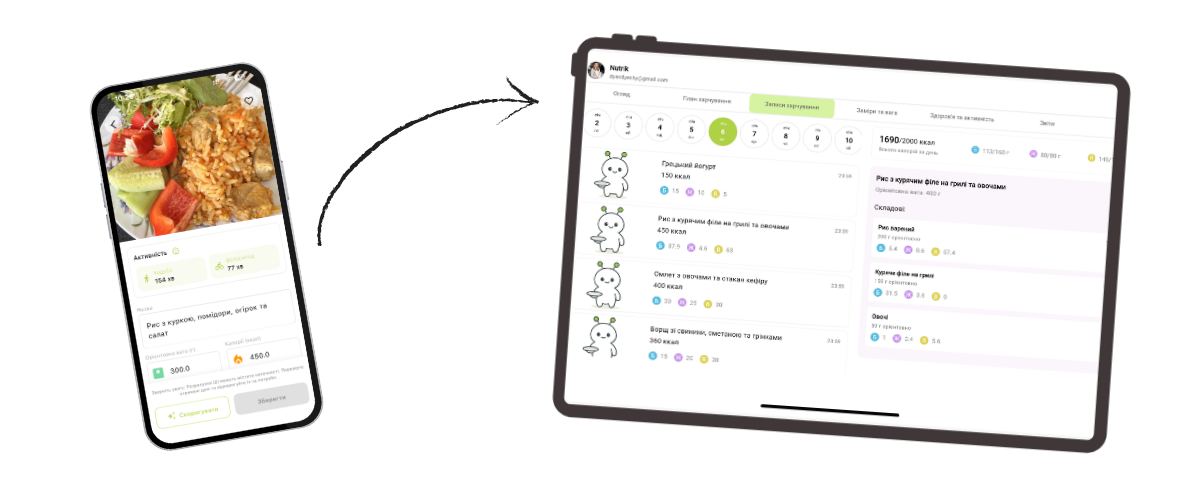
3. Nutritionist admin panel: your mission control
Instead of scrolling through two weeks of chat history, you open NutraMate CRM.
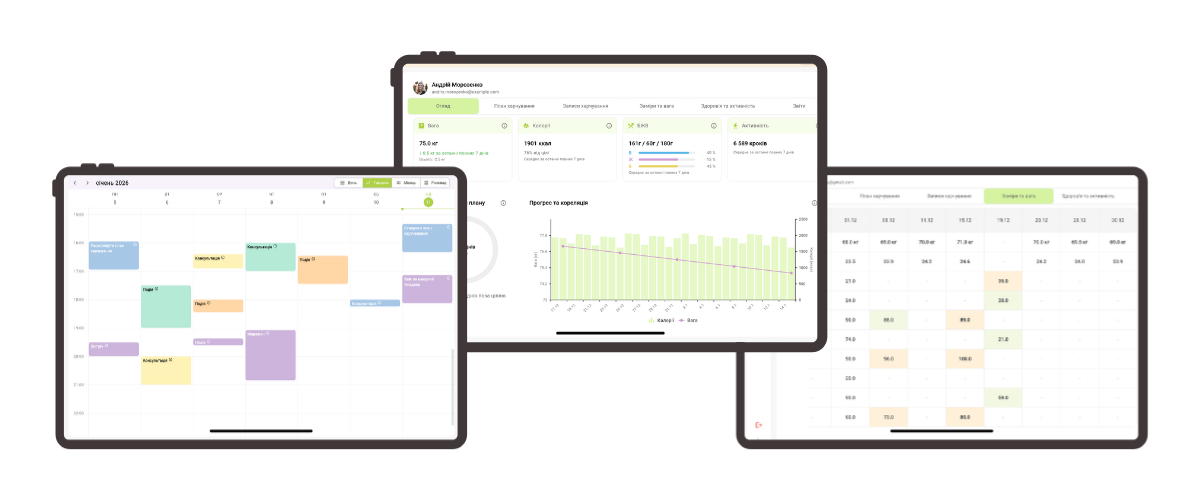
You get a single dashboard per client:
- Weight chart: Built automatically from app data.
- Activity: Is the client hitting your step target?
- Reports: All meal photos and measurements sorted by date.
That lets you run a weekly check-in in 10–15 minutes instead of an hour, without losing quality.
4. Why this pays off for your business
NutraMate is an investment in your personal brand.
When you tell a client, “We’ll work through my professional app with health data sync,” you move from “someone with tips from the internet” to “high-end specialist.”
- LTV: Clients stay longer because they’re engaged in an interactive process.
- Higher fees: You’re selling a premium tech service, not just a consultation.
- Scale: Automating routine lets you work with 30 clients instead of 10 without burning out.
Conclusion: The future is here
The era of Telegram chats and Excel sheets is ending. Clients expect more, and competition is tougher. NutraMate gives you the tech edge so you can focus on what matters — your client’s health.
Ready to try the future of nutrition?
and get a free trial for yourself as a specialist.